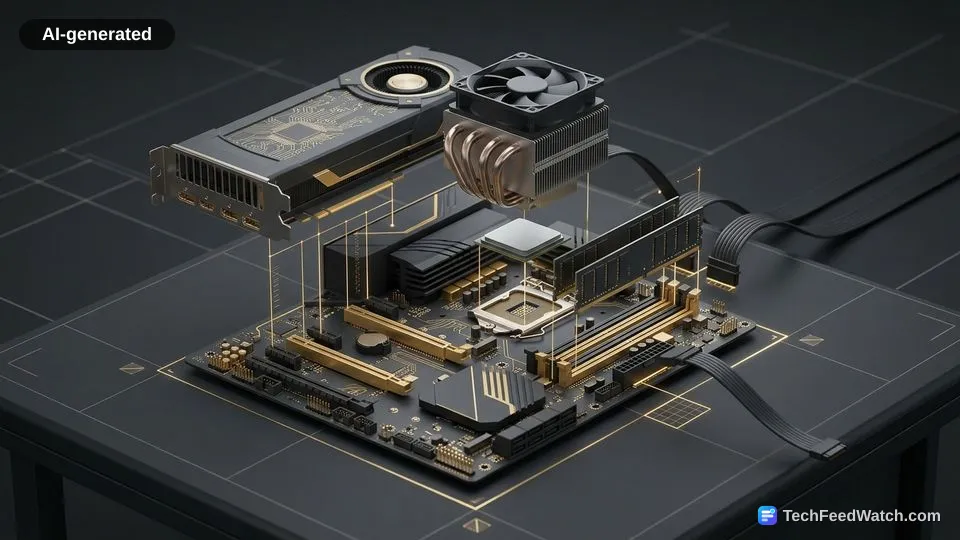
Building eliminates assembly fees but retail components can cost more
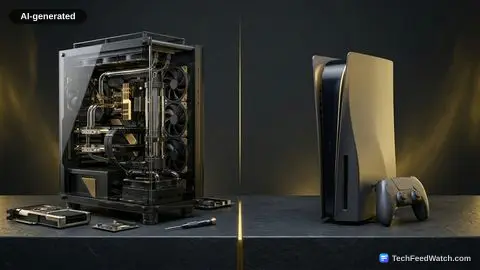
Building a PC cuts out corporate assembly charges. However, retail pricing on individual components often offsets those savings.
According to Wikipedia’s entry on homebuilt computers, a custom-built computer is assembled by its user from commercial off-the-shelf components. It is not purchased as a complete, pre-assembled system from a manufacturer.
According to Wikipedia’s entry on homebuilt computers, builders purchase individual high-grade parts at retail prices.
Wikipedia notes that the total price can exceed that of mass-market pre-built systems when purchasing individual high-grade parts at retail prices. Large manufacturers buy millions of identical parts at bulk wholesale discounts. Individual shoppers cannot access those discounted prices.
Assembling a machine rarely yields massive financial discounts at entry-level price brackets. Instead, the real value lies in serviceability and future upgrade paths.
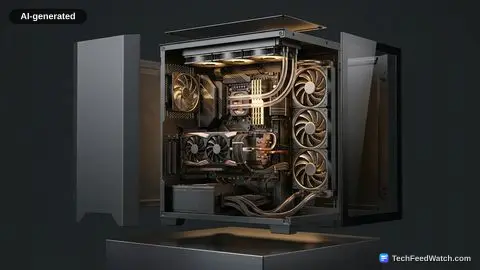
Pre-built systems often feature non-standard parts that prevent simple repairs. In contrast, custom machines rely on standard form factors (standard component shapes and sizes). If a power supply or graphics card fails, a builder can replace only that single part.
Standardization also means builders can extend hardware lifespans by swapping out individual bottlenecks (parts that limit speed) over time. A home builder can install a faster storage drive or add extra system memory without purchasing an entirely new computer.
What is not known from market data is whether future retail component pricing will stay stable. Memory chip output and graphics processor manufacturing fluctuate constantly based on global industrial demand.
What are the biggest challenges when building a PC?
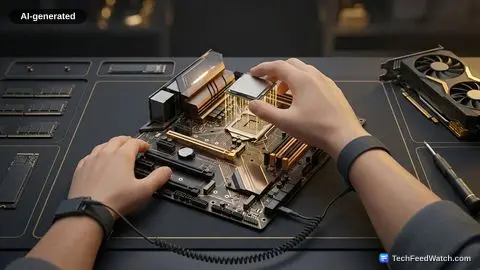
The primary difficulties involve handling fragile parts, managing heat output, and diagnosing hardware faults when a system fails to start. Builders must assemble fragile electronic parts with care to avoid bent socket pins or electrostatic shock (static electricity damage).
Physical mistakes during assembly can permanently ruin expensive electronics. Novice builders sometimes damage delicate contacts or drop heavy tools directly onto circuit boards. Proper workspace preparation reduces these physical risks.
According to Intel’s thermal design documentation, an aftermarket cooling solution’s thermal design power rating in watts must equal or exceed the processor’s base power specification. If cooling falls short, excessive heat triggers automatic performance throttling (slowing down to cool off) to prevent chip destruction.
Builders regularly encounter several specific mechanical hurdles:
- Applying thermal paste (heat-transfer gel) incorrectly between the processor and the heatsink.
- Forgetting to install the metal motherboard standoffs (spacers that hold the board off the case).
- Forcing memory modules into motherboard slots in reverse orientation.
- Overlooking supplemental power cables required by modern graphics cards.
When a pre-built computer fails to boot (start up), the buyer contacts customer support under a single unified warranty. When a custom computer fails to power on, the builder must isolate which individual part caused the issue.
Many beginners wonder if they can assemble a gaming PC safely without technical certifications. The assembly requires only basic screwdrivers and clear instruction manuals.
However, the builder assumes full responsibility for diagnosing defective parts. They must also manage warranty claims and configure motherboard software.
Linus Tech Tips assembles a complete gaming PC step-by-step
Linus Tech Tips demonstrated the practical assembly process by building a desktop computer designed for gaming workloads. The complete system cost $1974 US according to Linus Tech Tips, pairing a high-end processor with modern system components.
The build centered on an Intel Core Ultra 200 plus series processor. This chip features six performance cores boosting up to 5.3 gigahertz (billions of cycles per second).
Linus Tech Tips mounted the processor onto an ASRock B860M Pro-A motherboard, which cost $110. A $17.90 Thermalright Assassin X 120 Refined SE air cooler provided the required heat dissipation.
To store operating system files and games, Linus Tech Tips installed a Patriot P300 solid-state drive. Linus Tech Tips noted that builders should slide the drive into its slot at about a 25° angle before pressing down the retention clip.
To handle visual processing, the machine utilized an ASUS Prime GeForce RTX 5070 Ti graphics card with 16 gigabytes of memory. Electrical power was delivered by an 850 W Seasonic unit from the Focus GX V4 ATX 3 2024 line. The components were housed inside a $60 compact chassis (protective case).
Linus Tech Tips placed the motherboard into the chassis at a 30° angle. This angle helped align the rear ports with the metal backplate.
Linus Tech Tips emphasized that builders must align brass standoffs carefully. Linus Tech Tips warned that extra standoffs under the board can scratch traces (printed electrical wires) and kill the hardware.
Linus Tech Tips noted that connecting front panel leads is “one of the trickiest parts of building a PC for new builders.” Small pins must match up exactly with motherboard headers (pin connectors) to make the external power button work.