Essential hardware components that define a gaming computer
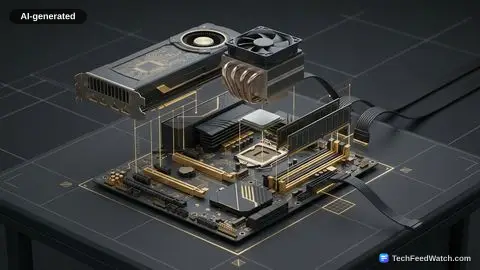
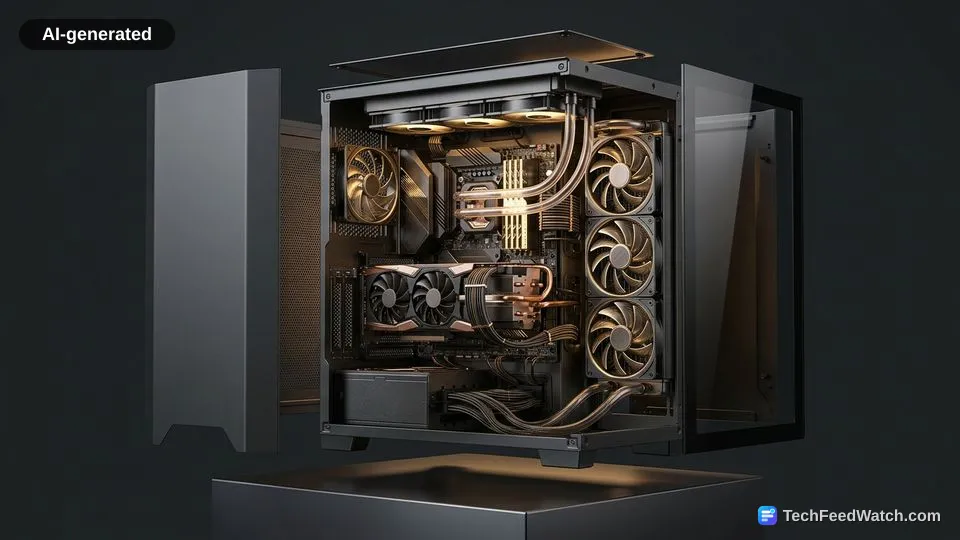
A gaming computer is defined by dedicated graphics hardware, a multi-core processor, high-bandwidth system memory, solid-state storage, and an expansive thermal dissipation assembly.
According to HP’s technical guide, a gaming PC features a dedicated GPU with 6 to 24 GB of VRAM. It also includes a 6- to 16-core processor and 16 to 32 GB of high-speed RAM.
According to PCMag’s Encyclopedia, enthusiast setups can even support up to 512 GB of RAM alongside custom liquid cooling loops. Valve’s September 2026 Steam survey data shows that 8-core CPUs accounted for 30.06% of machines.
42.22% of surveyed systems were equipped with 32 GB of system RAM. Valve’s September 2026 Steam survey also tracked GPU adoption. The NVIDIA GeForce RTX 5070 represented the single most common discrete graphics card among participants at 5.86%.
The core components that establish a functional gaming rig include:
- Discrete Graphics Processing Unit (GPU): Renders geometry, textures, and lighting in real time using dedicated video memory.
- Multi-Core Central Processing Unit (CPU): Executes game logic, artificial intelligence calculations, and engine physics across multiple threads.
- Fast System RAM: Feeds asset data directly to the processor to prevent stutter and latency spikes during active gameplay.
- High-Speed NVMe Storage: Loads massive world environments and texture assets quickly from solid-state drives.
Should you build a custom rig or buy pre-built?
Choosing between building a custom rig or buying a pre-built system involves trade-offs. It depends on whether you prioritize component customization and future upgrades over immediate convenience and single-vendor warranty support.
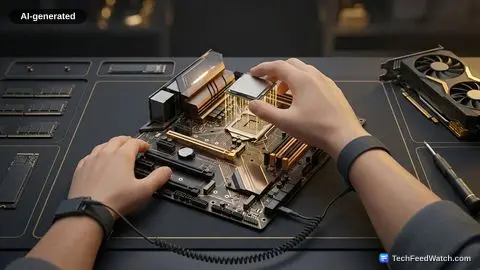
According to Intel’s guide, assembling a custom gaming desktop allows users to select individual components from the power supply up. This approach ensures targeted frame rates and long-term modular upgradability.
Custom builds allow owners to replace an aging graphics card or power unit without discarding the entire system. Pre-assembled desktops, by contrast, arrive tested out of the box with unified technical support coverage.
When choosing between both paths, buyers evaluate several operational factors:
- Part Modularity: Custom assemblies use standardized retail parts. In contrast, some factory pre-builts employ proprietary motherboards and power connectors.
- Assembly Time: Pre-built systems run on the day of delivery, while custom projects demand hours of research, mounting, and cable routing.
- Support and Warranties: Pre-built machines offer single-point customer service, while custom builds require managing individual manufacturer warranties for each component.
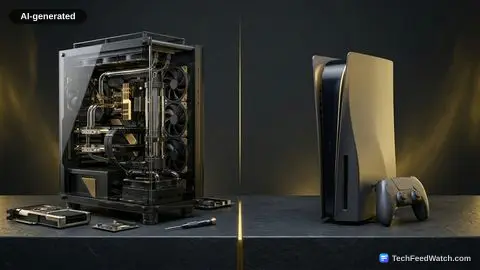
Buyers often weigh form factors, such as choosing between a desktop gaming PC and gaming laptop.
Standard office PCs can run lightweight titles
Standard office PCs can run lightweight and older games, but they cannot handle modern graphical titles that demand dedicated hardware.
According to HP’s hardware analysis, graphically demanding titles like Cyberpunk 2077 require a dedicated GPU to render complex 3D environments. In contrast, standard consumer PCs with integrated graphics can still successfully run lightweight titles such as Minecraft and Among Us. Integrated graphics processors share the main system memory with the operating system, which limits memory bandwidth during heavy visual rendering.
Users who run competitive esports games or older simulation titles often achieve playable frame rates on modest hardware without purchasing an expensive machine. Demanding visual releases, however, quickly overwhelm integrated graphics processors and cause severe frame drops.
PC Builder explains graphics card and VRAM requirements for gaming
PC Builder explains that graphics cards and their video memory dictate gaming performance. These components determine the resolution and frame rates a system can sustain across modern titles.
Host Jason notes: “The graphics card needs to be fast enough to give you enough frames per second, FPS for short, at the monitor resolution that you want to game at, and that’s 1080p, 1440p, or 4K.”
Regarding display targets, PC Builder suggests equipping systems with a 12 GB video card for 1440p monitors and a 16 GB model when driving 4K displays. The channel adds that entry-level, cost-conscious builds can still make do with 8 GB cards.
PC Builder highlights the Nvidia RTX 5090 and RTX 5080 as the fastest graphics cards available for 4K or extremely high 1440p frame rates. The channel also points to the Radeon RX 9070 XT as a strong option for 1440p and solid 4K gaming.
The channel also points to the Intel Arc B580 12 GB as a capable 60-FPS solution for 1440p gaming. PC Builder warns gamers targeting 1440p to avoid 8 GB cards. Buyers should not spend over $1,200 on a system only to encounter VRAM bottlenecks.
To illustrate high-end pricing, PC Builder highlights a Skytech Gaming RTX 5090 pre-built configuration listed at $5,499. PC Builder also highlights pre-built market options such as the CyberPower Gamer Supreme at $1,469 featuring a 240mm all-in-one liquid cooler. A budget system is also showcased at $800.