Desktop towers handle heat, noise, and power much better
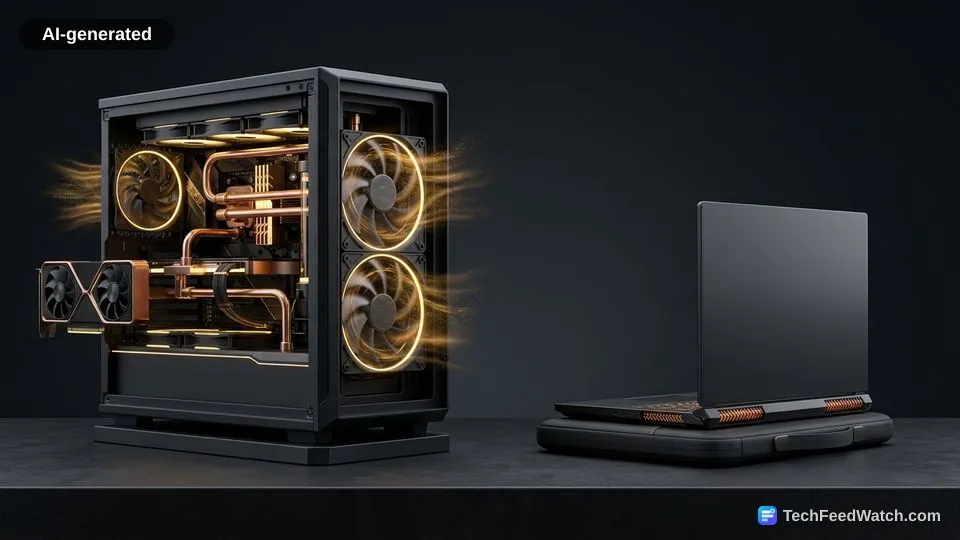
Desktop enclosures manage thermal dissipation and acoustic output far better than laptops because expansive cases allow larger fans and heavier heat sinks.
Spacious computer cases pull cool ambient air across copper radiator fins and expel exhaust smoothly. Gaming laptops cram heat pipes, fans, and silicon into a space less than one inch thick.
This dense packaging forces tiny blower fans to spin at extreme rotational speeds, creating high-pitched acoustic whine. Understanding the difference between GPU temp and hotspot metrics reveals how quickly thermal thresholds compress mobile performance when internal heat pipes heat-soak.
High-end gaming laptops drain their battery quickly under full gaming load and need to stay plugged in to run at full speed.
Without wall power, mobile firmware severely cuts graphics processing clocks to protect lithium cells from catastrophic voltage sag. Desktops bypass battery limits entirely, pulling steady power from wall outlets through high-efficiency power supplies.
Thermal and acoustic trade-offs between the two enclosures involve clear factors:
- Airflow volume, where desktops move substantially higher cubic feet of air per minute.
- Surface temperatures, since laptop keyboards often absorb heat that warms the user’s fingers.
- Power stability, where desktop power supplies supply consistent voltage rails without battery depletion throttling.
Which platform offers better overall value and upgrade potential?
A desktop tower offers dramatically higher long-term financial value because you can replace individual obsolete components without discarding the entire computer.
When a desktop graphics card ages after several years of major software releases, you simply unplug the card and slot in a newer unit. The power supply, chassis, case fans, storage drives, and motherboard remain intact on your desk.
According to NVIDIA’s June 2025 release report, the GeForce RTX 5050 GPU launched with a standalone desktop retail price of $249 while entry-level RTX 5050 laptops debuted at $999. That price difference illustrates the financial advantage of desktop modularity, letting owners invest solely in fresh silicon rather than rebuying monitors and chassis assemblies.
Laptops function as closed ecosystems. Motherboards permanently fuse the central processor and graphics chip onto the main printed circuit board.
You might expand storage or swap un-soldered memory sticks, but the core processing silicon remains frozen in time. When a laptop GPU fails to maintain playable frame rates on modern game releases, you must discard the entire machine, display and keyboard included, and buy a replacement system.
A laptop arrives out of the box with an integrated high-refresh monitor, membrane keyboard, speakers, and trackpad. A custom or pre-built desktop requires separate peripheral purchases before you boot up a single game, adding auxiliary expenses to your starting budget.
Seven Tech Compares $1,000 Gaming Desktops and Laptops for 2026
Hardware analyst Seven Tech evaluated the budget battleground by directly matching a $1,000 desktop build against a $1,000 gaming laptop in a 2026 purchasing breakdown. Seven Tech warned that choosing the wrong form factor at this price point could cost buyers up to 40% of the performance they paid for.
Seven Tech built a $1,000 desktop around an RTX 5060 paired with 32 gigs of RAM, a 1 TB NVMe SSD, and a Ryzen processor. To represent the mobile category at that identical $1,000 budget, Seven Tech selected the Acer Nitro V 16 AI laptop.
The notebook is equipped with an AMD Ryzen CPU and an RTX 5050 GPU utilizing 8 GB of fresh GDDR7 VRAM. It also includes 16 gigs of memory, 512 GB of SSD storage, and a 16-inch 180 Hz IPS panel with a 1920x1200 resolution.
Seven Tech highlighted that the desktop pushed framerates from barely hitting 70 FPS on mobile up to comfortably pushing 100+ FPS on the tower. The desktop avoided thermal throttling, whereas the laptop fans worked hard to keep chassis temperatures manageable.
A buyer can carry the Acer Nitro V 16, which weighs about 5.4 pounds (2.44 kg), across campus or between offices. That mobile purchase avoids separate peripheral shopping, whereas Seven Tech noted a standalone 144 Hz or higher monitor adds $200 to $500 to the desktop’s total checkout ticket.
Yet Seven Tech stressed that laptops offer zero GPU upgrade path when hardware falls behind in 2 or 3 years, while desktops remain modular for continuous component swaps.